
Hours:
Open Today Sales: 9 AM-7 PMOpen Today Service: 8 AM-6 PMOpen Today Parts: 8 AM-6 PM
Location
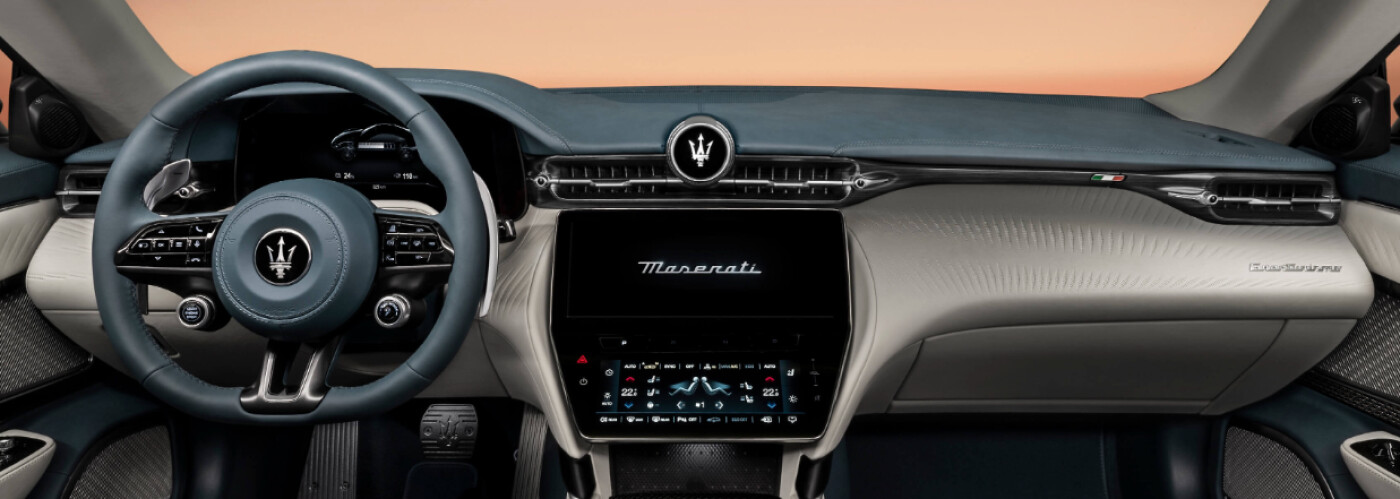
Maserati of Central Florida is proud to be your go-to guide to the local area. We’ll service your vehicle to ensure it performs at its best, find the new Maserati vehicle best suited for you, and teach you how to set up your current technology features, like wireless Apple CarPlay®. If you are struggling and would like to know how to connect Apple CarPlay®, feel free to contact the Maserati of Central Florida service center.
For Windermere drivers who are unfamiliar, Apple CarPlay® helps take your driving experience to new heights. This feature allows a driver to connect their iPhone to the vehicle so they can get turn-by-turn directions, make phone calls, listen to music, or send and receive text messages without having to take their eyes off the road or their hands off the steering wheel. Stay focused on the Orlando roads and read on to see how to connect Apple CarPlay® in your vehicle!
Ready to get started using these features on your Windermere drives? Here are our step-by-step instructions on how to connect Apple CarPlay®:
Now that you know how to set up Apple CarPlay®, it’s crucial to stay updated with the latest features. Let’s explore how to keep your wireless Apple CarPlay® system up to date to ensure you can enjoy all the newest functionalities on your Winter Park drives.
For additional questions about wireless Apple CarPlay® or to simply set it up, give us a call today at 407-667-4300. We’re here to help make sure you’re getting full use of your incredible Maserati technology. Plus, our service center offers a rotating selection of specials to help you save on important maintenance.